Rust GUI frameworks compared
The main Rust GUI frameworks are egui (immediate mode, quick tools), Slint (declarative native UI for desktop, embedded and Android), Tauri (a web UI in a Rust shell, desktop and mobile), Iced (Elm-style) and Dioxus (React-style). Ruststudio has ready-made starters for Tauri, Slint and egui.
Updated · describes Ruststudio 0.1.5
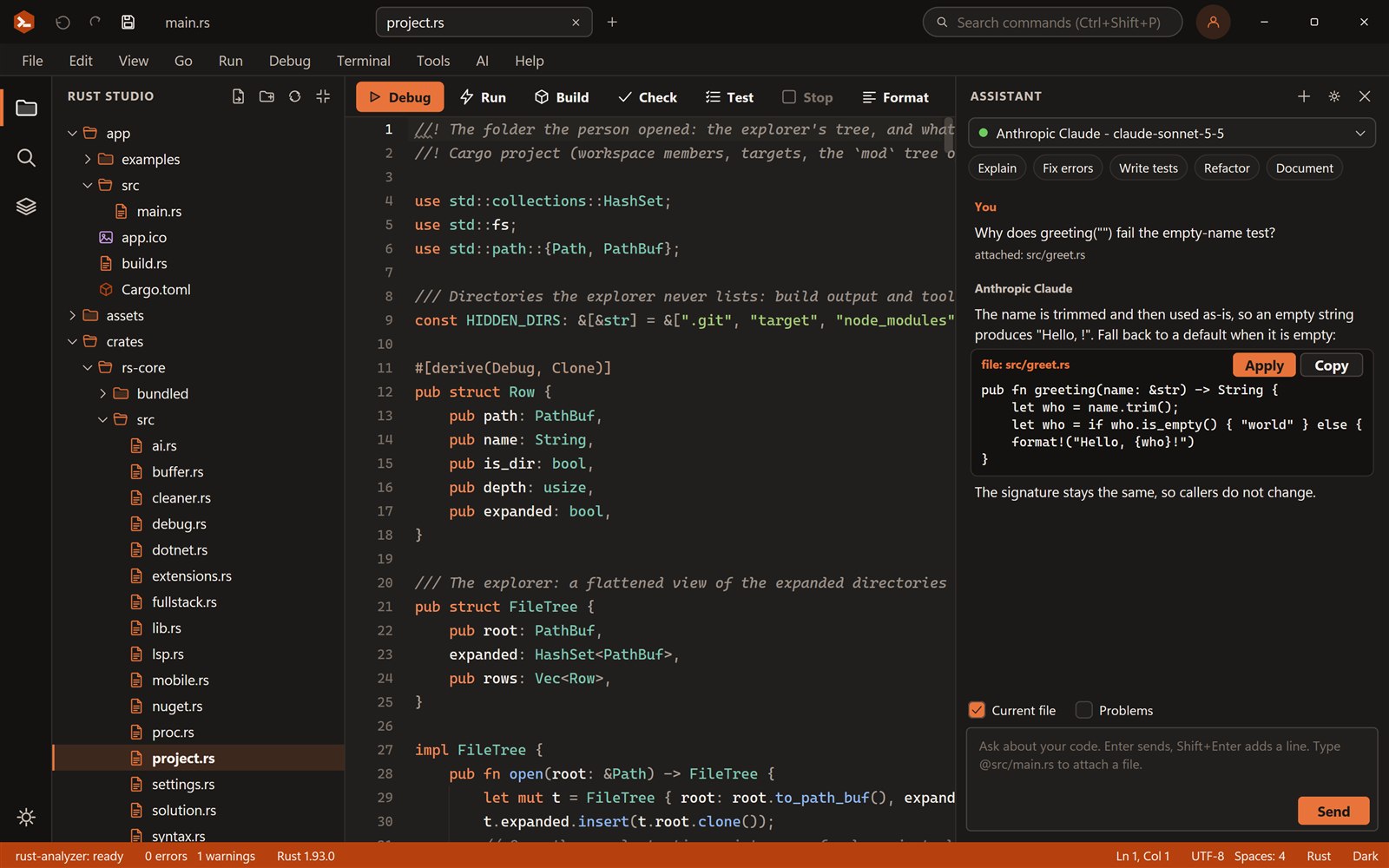
Rust has many ways to put a window on the screen. This guide compares the main Rust UI frameworks for desktop and mobile, and says which to start with.
Rust UI toolkits at a glance
| Toolkit | Approach | Targets | A good fit for |
|---|---|---|---|
| egui | Immediate mode, plain Rust code | Desktop, web (WebAssembly), Android | Developer tools, internal tools, quick prototypes |
| Slint | Declarative .slint markup compiled to native code | Desktop, embedded, Android, web | Polished native interfaces, apps that also run on devices |
| Tauri 2 | Web front end in the system web view, Rust core | Windows, macOS, Linux, Android, iOS | Teams with web skills who want a small Rust-backed shell |
| Iced | Elm-inspired, retained mode | Desktop, web | Clean, type-driven desktop apps |
| Dioxus | React-like components in Rust | Web, desktop, mobile | Developers coming from React |
Native UI or a web view?
The biggest choice is not a library but an approach. Toolkits such as egui, Slint and Iced draw their own pixels, so there is no browser engine: apps start fast and stay small, and the same code can run on desktop and Android. Tauri keeps your interface in HTML, CSS and JavaScript inside the operating system’s web view, with Rust doing the work behind it, which is ideal when your team already builds web interfaces.
- Choose Tauri if the interface is already a web app, or your team knows React, Vue or Svelte
- Choose Slint for a declarative native interface that targets desktop and Android
- Choose egui for the quickest native tool or debug UI, written entirely in Rust
- Choose Iced or Dioxus if their programming model (Elm, React) fits how you think
egui and Slint on Android
Both egui and Slint can run on Android without a web view. You build the app as a native library with cargo-apk and the Android NDK, pack it into an APK, and install it on a phone. Ruststudio’s templates for Slint and egui include the Android entry point, check your Android SDK, NDK, JDK and adb, and let you iterate as a normal desktop program before you deploy to a device.
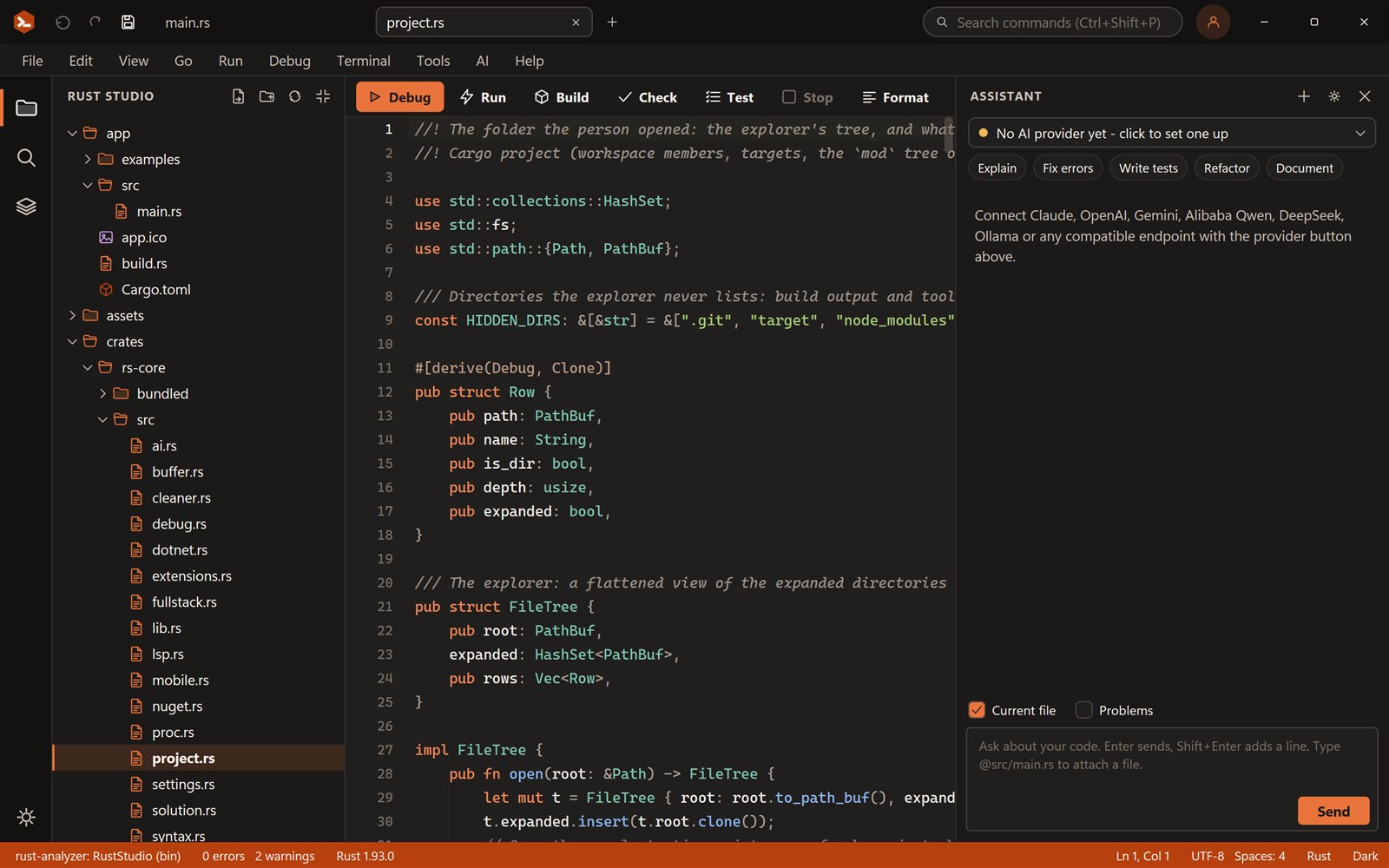
Starting a project in Ruststudio
Ruststudio has a starter project for Tauri 2, Slint and egui, and an extension mechanism for adding templates for any other toolkit. Pick a template, press F5, and a native window opens. Because several projects live in one solution, shared logic can sit in a library that the desktop app, a command-line tool and the Android app all use.
Frequently asked questions
Something else? Ask in the community forum or send feedback.
Which Rust GUI framework should I choose?
Tauri if you want a web UI, Slint for a declarative native UI that also targets Android, egui for the quickest native tool UI. Iced and Dioxus are good if their programming model suits you. Ruststudio has a starter for Tauri, Slint and egui.
Can I use egui on Android?
Yes. egui apps can be built for Android with cargo-apk and the Android NDK. Ruststudio’s native Android (egui) template includes the entry point and tasks to build, install and start the app on a phone, and the same code runs as a desktop window while you develop.
Is there an official Rust GUI?
No. Rust has no official GUI framework; the ecosystem has several competing ones, each with different trade-offs, which is why this choice takes some thought.
Is Tauri a native UI?
Tauri uses the operating system’s web view for the interface and Rust for the application logic, so the UI is web technology, not drawn natively by Rust.
What is the easiest Rust GUI to learn?
egui is usually the quickest to start with, because the whole interface is ordinary Rust functions called every frame, with no markup language or build step of its own.